Microsoft advising to uninstall Windows 11 January 2026 update: Here's why
Issues spotted in Windows 11 Jan 2026 update include freezing in Outlook, black screens, and application crashes
Published January 24, 2026
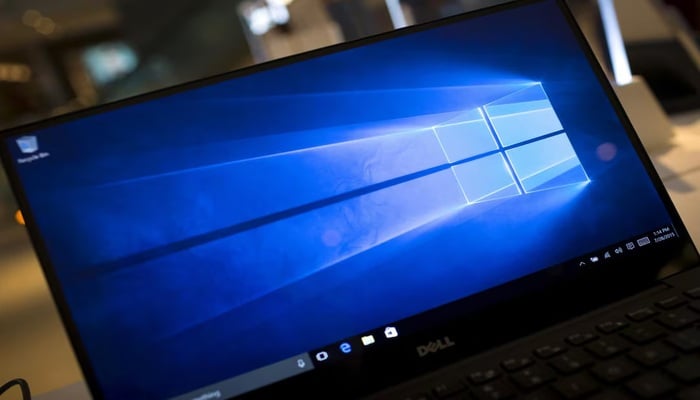
In a surprising yet seemingly drastic event, tech giant Microsoft has issued an advisory recommending users uninstall the Windows 11 January 2026 security update (KB5074109) after reports emerged about serious system and application problems.
The latest Windows 11 update began rolling out automatically on January 13, wherein issues have been spotted, such as freezing in Outlook Classic, black screens, and application crashes.
Major issues in Windows 11 January 2026 update
The most affected users of the purported Windows 11 problems are likely those relying on Outlook Classic with POP email accounts or local PST files, especially when these files are stored in cloud folders like OneDrive.
Many Windows 11 users reported Outlook to be unresponsive, failing to close properly, or repeatedly redownloading messages, making the application almost unusable.
The Windows developer suggests switching to Outlook webmail or uninstalling the new Windows 11 update until a permanent fix is rolled out.
Other problems with latest Windows 11 update
The issues extend beyond Outlook, because users have also reported various other problems, including black screens, reset desktop settings, broken File Explorer customisations, and apps freezing when accessing cloud storage services such as OneDrive and Dropbox.
Given the severity of these bugs, uninstalling the recently released Windows 11 update is apparently the only necessary, temporary measure until Microsoft comes up with a solid resolution.
Microsoft has published a support document detailing possible workarounds, including using webmail and relocating PST files from cloud-synced folders. But it also cautions users that removing the update may expose their systems to security vulnerabilities.
The company is investigating the root cause of these issues and is planning to release a comprehensive fix in a future update.