WhatsApp introduces usernames: Here's how to set up yours in 3 easy steps
WhatsApp finally introduces usernames, allowing users to chat without sharing phone numbers
Published June 30, 2026
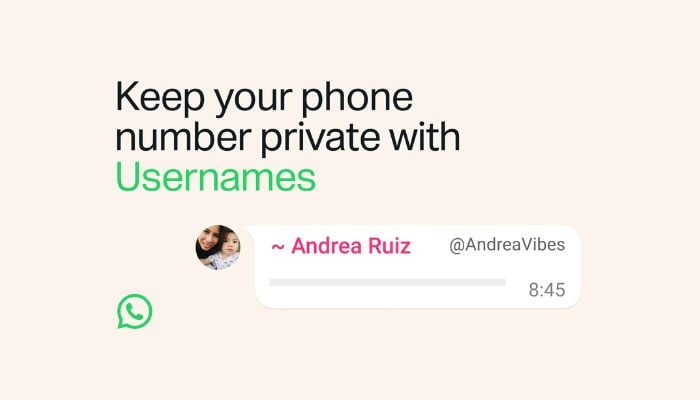
WhatsApp has finally launched “usernames”, enabling users to connect without sharing their phone numbers.
The reservation of usernames will start this week, with the feature expected to be fully activated globally over the coming months.
Here’s how to set up your WhatsApp username in three simple steps:
Step 1: Update and open WhatsApp
Ensure you are using the latest version of WhatsApp installed on your device. Once updated to the latest version, open the app and navigate to the Settings menu.
Step 2: Find the username option
Tap on settings, account, username. If the feature is available in your region, you’ll see the option to create your username.
Step 3: Choose and reserve your username
Enter your desired username up to 35 characters long. You can also export your existing Instagram or Facebook handle if you’d like to keep things consistent across platforms. WhatsApp has also introduced a username generator to curate usernames for users.
Once selected, tap save, and your username is reserved.
To prevent impersonation, WhatsApp has already reserved usernames for high-profile public figures such as elonmusk, kimkardashian, etc, government entities, and celebrities.