Google just gave Gemini access to all your photos: Here's how to turn it off
Google Photos now lets Gemini scan your entire library for AI image generation
Published April 18, 2026
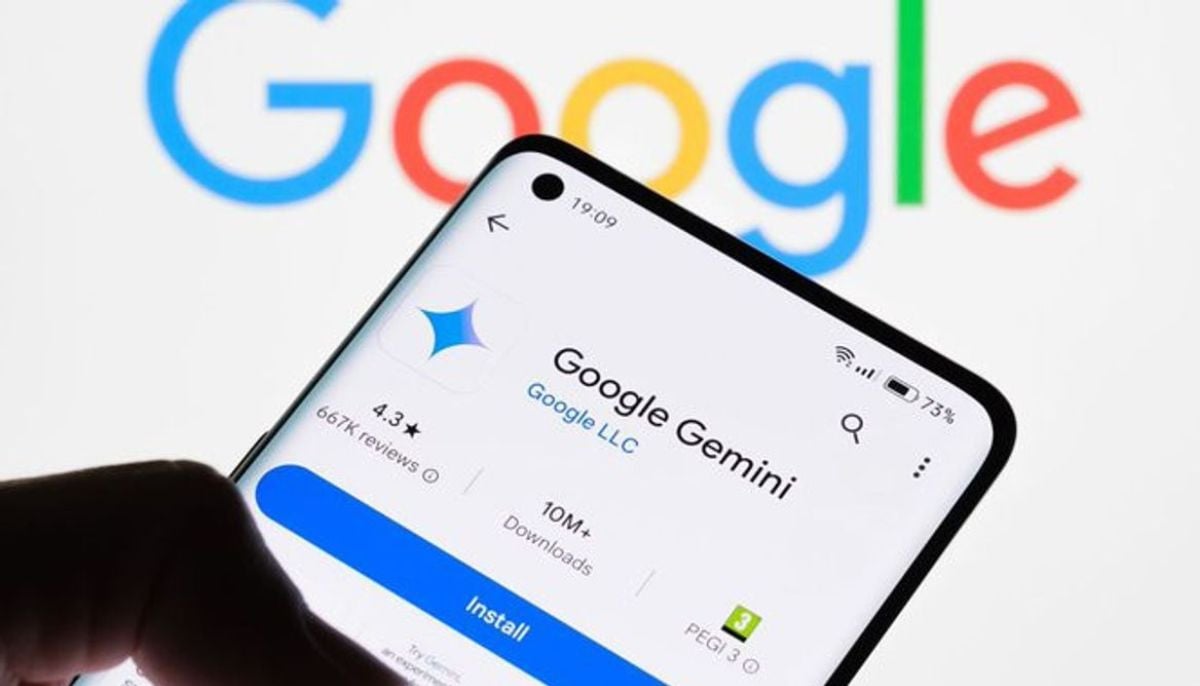
Google has introduced a major update enabling Gemini AI to access your Google Photos library.
This move aims at creating personalised images of users with the help of actual images.
In the blog post, Google wrote: “By connecting your Google Photos library to Personal Intelligence, Gemini goes a step further than just understanding your interests. It can use actual images of you and your loved ones to guide the image generation process.”
However, this move raises significant privacy concerns for billions of users.
But privacy watchdogs are warning of potential dangers. Google claims that while it does not “train AI models directly on your private photo library,” it does, however, “train [its AI] on limited information, such as particular prompts for Gemini and the AI response to them.”
How to turn off Gemini access to Google Photos?
To stop Google Gemini from accessing your Google Photos, follow these steps:
- Open the Google Photos App
- Select your profile icon
- Open the Google Photos settings
- Check preferences
- Turn off “use Gemini in Photos”
For now, this feature is only available on the mobile app; it will soon expand to Gemini on Chrome desktop and additional users.