You can now play Xbox games on select Amazon Fire smart TVs: Here's how
Xbox app is only supported on Amazon Fire TV 4-Series and Fire TV Omni QLED models
Published December 24, 2025
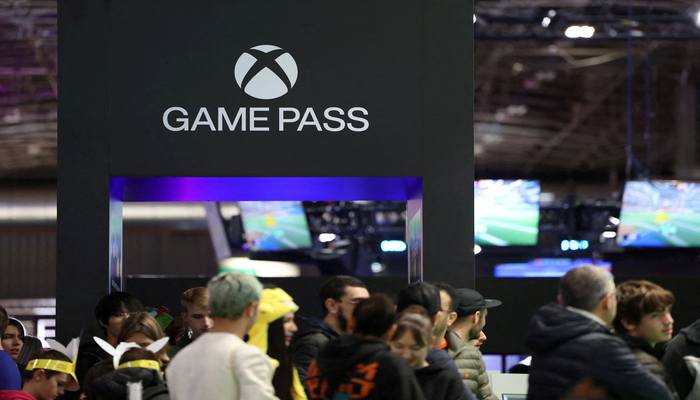
Your favourite Xbox games can now be played on select Amazon Fire smart TVs, and, yes, without needing a Microsoft Xbox console.
In a one-in-a-million opportune moment, Amazon announced that its latest smart TVs will support an Xbox app allowing users to play well-acclaimed titles through Xbox Game Pass.
Which Amazon Fire TVs support Xbox games?
It's worth noting that the Xbox app is only supported on the Fire TV 4-Series and Fire TV Omni QLED models. The Fire TV 4-Series is available in 43-inch, 50-inch, and 55-inch sizes, while the Fire TV Omni QLED comes in four size variations, including 43-inch, 50-inch, 55-inch, and 65-inch.
The retail giant indicated plans to expand the app's availability to more Fire TVs in future, although details have not yet been provided on specific models or timelines.
In July 2024, Amazon introduced Xbox Game Pass support on its streaming devices, including the Fire TV Stick 4K and Fire TV Cube. Microsoft also offers its Xbox app on select smart TVs from LG and Samsung.
How to play Xbox games on Amazon Fire TVs?
To play Xbox games on Amazon Fire TVs, users can download the Xbox app from the Amazon Appstore on their compatible smart TV. Users need to have a Microsoft account with an active Xbox Game Pass subscription.
Game Pass tiers range from $9.99 per month for the basic package to $29.99 for the Ultimate package. These prices took effect after a recent price hike in October.
Furthermore, a compatible controller is also required to play Xbox games on your Amazon smart TV, with Game Pass supporting controllers from various manufacturers, including Microsoft’s own and Sony’s DualSense and DualShock 4.