What is weaponised JPEG file? Here's how hackers use fake images to deploy malware
Hackers use fake JPEG files to deploy trojanised ScreenContact malware in new cyberattack campaign
Published May 13, 2026
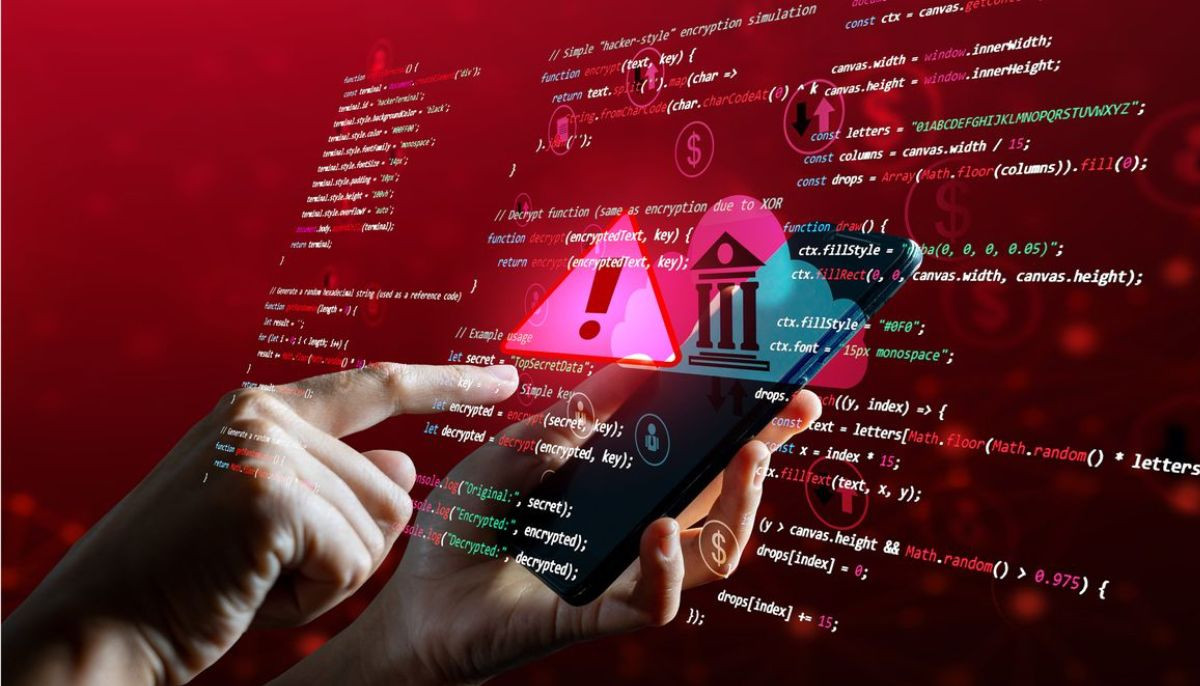
A sophisticated new cyberattack referred to as “Operation SilentCanvas” is attacking Windows users with a fake JPEG file that installs malicious remote access software.
The attack initiates with a file named sysupdate.jpeg, which is sent to users via phishing emails, fake software updates, or any other deceptive file-sharing links.
Although it is a jpeg extension, the file contains no image data. Rather, it contains a malicious PowerShell script.
When a user opens it, the script automatically creates a hidden folder at C:\ systems and downloads a trojanised version of ConnectWise Screen Contact.
The research team at CYFIRMA, which identified this campaign, states that the malware uses several advanced techniques to avoid detection.
It reconstitutes hazardous commands dynamically rather than storing them in plain text, executes additional malicious files in memory only, exploits its own compiler tool from Microsoft (.NET csc.exe) to compile custom malware for each infected computer, and achieves admin rights silently.
What is especially disturbing about this malware is that it obtains administrative privileges without causing any security alarm.
It is capable of hijacking a Windows registry setting and abuses a trusted system binary called ComputerDefaults.exe to silently bypass User Account Control (UAC).
Within two seconds, the registry key used for this bypass is deleted, erasing evidence of the attack.
After installation is completed, it gives hackers complete access to control your screen remotely. This access includes screen monitoring, video recording, microphone capture, keystroke logging and file transfers.
To avoid this, users need to block or monitor the execution of csc.exe, cvtres.exe, and ComputerDefaults.exe and enforce strict controls on remote access platforms, and immediately isolate any systems showing unexpected ScreenContact activity.