How to use Google Meet AI to take notes in in-person meetings?
Google’s Gemini AI notetaker expands to in-person meetings
Published April 23, 2026
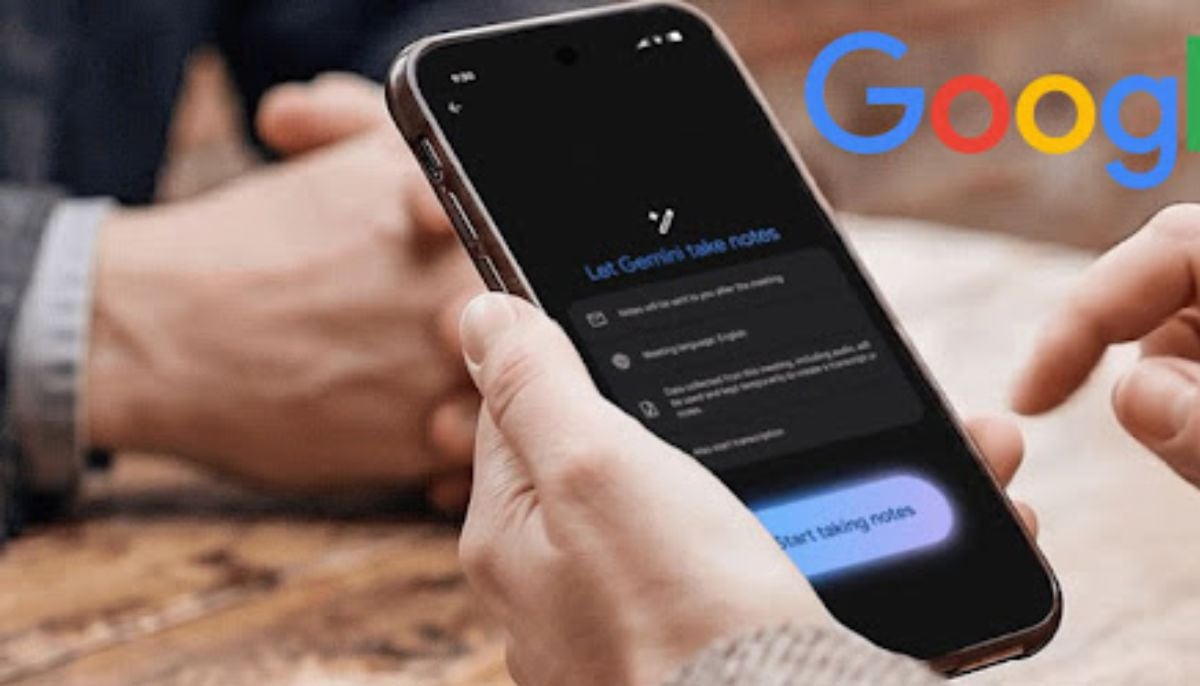
Google has expanded its AI notetaker feature from Google Meet to in-person meetings.
The announcement was made at its Cloud Next 2026 conference on Wednesday, April 22.
Earlier, the feature, “Take Notes for me,” was only available for online Google Meet calls. But in the latest upgradation, it can now listen to in-person conversations, Zoom, and Microsoft Teams.
To activate the feature:
Start a “Meeting”
Open the Google Meet app on your Android phone or tablet. There’s no need to invite others or start a video call. Only initiate a meeting session so AI can actively listen.
Activate the feature
Tap the “Take Notes for Me” option within the Google Meet mobile app
Position your device
Set your phone or tablet on the table near the participants. Ensure the microphone is placed well to capture all speakers clearly.
Manage during the meeting
AI will automatically listen, transcribe, and extract action items. You can easily “Pause” or “Stop” at any time to protect sensitive information or exclude off-topic discussions.
End and Access Notes
After concluding the in-person meeting, select “Stop taking notes.” Google will automatically generate a detailed Google Doc with the summary, key decisions, and action items.
The notes can easily be saved to the user’s Google Drive and also emailed for access.
The new feature directly competes with existing AI meeting assistants such as Otter.ai, Fireflies, and Fathom, which already serve the purpose of cross-platform note-taking.
However, google stands out as having a deep integration with Workspace apps such as Gmail, Calendar, and Docs.